Cloud gaming latency: where the lag actually comes from
Cloud gaming feels laggy for reasons that have little to do with your download speed. The delay is several separate stages stacked on top of each other, and only some are yours to fix.
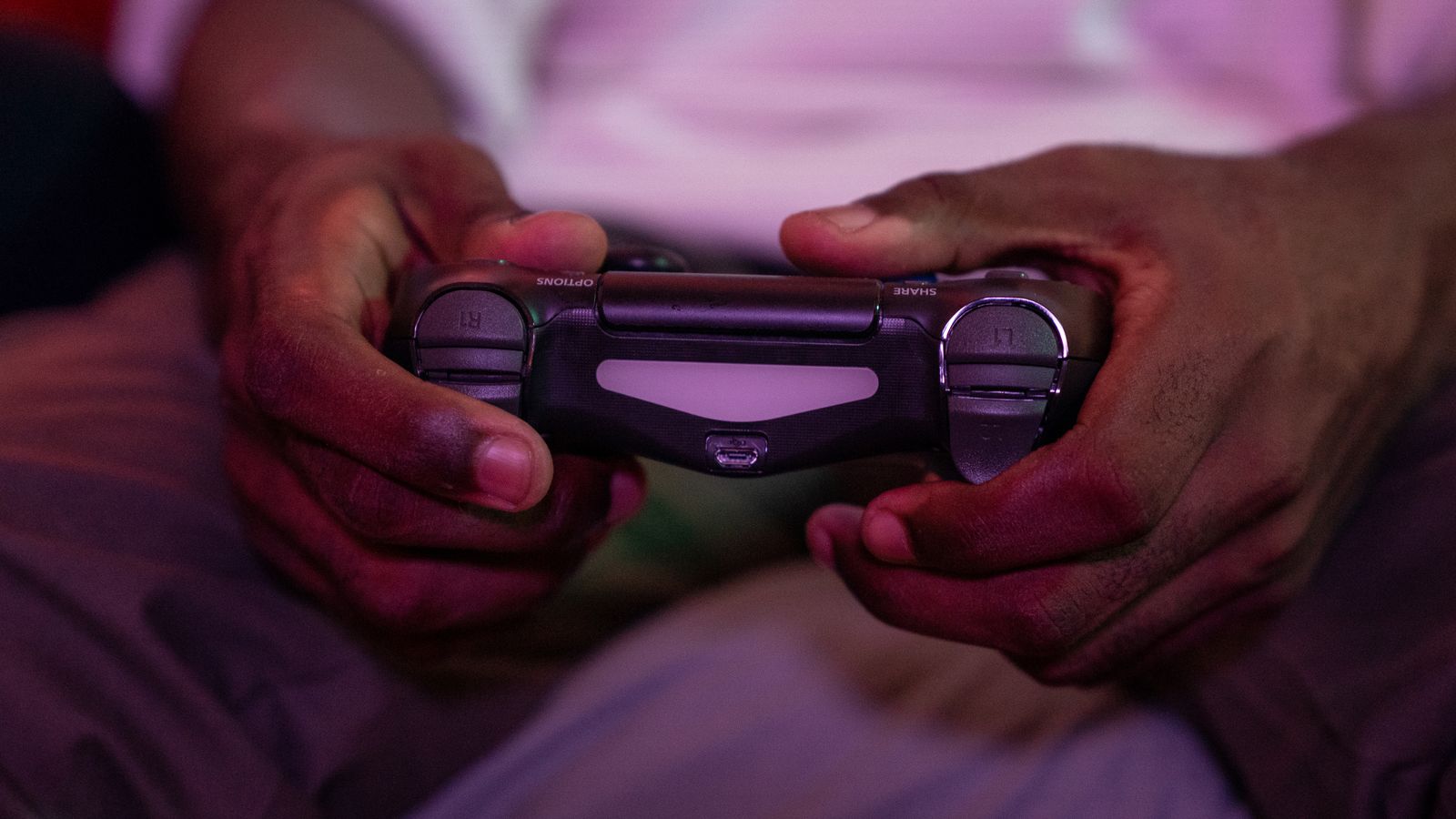
Cloud gaming moves the console to a data centre. Your inputs travel there, the game runs, and video comes back. The round trip is the whole problem, and it's why a connection fast enough for 4K film can still feel terrible for a shooter.
The chain
Every button press passes through roughly this sequence:
- Input capture. Your controller reaches the device. Wireless adds a few milliseconds over wired.
- Network to the data centre. Governed by distance and routing, not bandwidth.
- Game processing. The server renders the next frame.
- Encoding. That frame is compressed into a video stream — a real and unavoidable cost.
- Network back. The return leg.
- Decode and display. Your device decompresses it, then your screen shows it.
Each stage is small. Added together they're the difference between playable and unplayable, and the total is what you feel.
Bandwidth isn't the bottleneck
This trips people up constantly. Cloud gaming needs a fairly modest sustained bitrate — comparable to an HD or 4K stream. Once you clear that threshold, more speed does nothing, because the problem isn't how much data fits through the pipe, it's how long each packet takes to arrive.
Three network properties matter, in order:
- Latency — round-trip time. Mostly a function of physical distance to the nearest data centre. You can't beat the speed of light, and a server on another continent will never feel local.
- Jitter — variation in latency. Arguably worse than latency itself, because the client has to buffer against the variation, and buffering is added delay. A consistent connection beats a faster but erratic one.
- Packet loss — dropped data means visual corruption or a stall while it recovers.
The encode-decode tax
This one is structural and worth understanding, because it puts a floor under how good cloud gaming can ever feel.
On a local console, a frame goes from GPU to screen. In cloud gaming it must be compressed, transmitted, and decompressed first. Even with hardware encoders built for low latency, that adds delay at both ends — and unlike network latency, it doesn't improve by moving closer to the server.
It's also why cloud gaming looks softer in busy scenes: the encoder is working under a hard time budget and can't spend as long optimising as an offline encoder would.
Why some games feel fine and others don't
Tolerance for delay varies enormously by genre, which is why two people can have opposite experiences of the same service.
| Genre | Tolerance | Why |
|---|---|---|
| Turn-based, strategy, management | High | No reflex dependency; a delay is invisible |
| Role-playing, adventure | Good | Timing windows are generous |
| Third-person action | Mixed | Playable, but parries and dodges feel mushy |
| Competitive shooters, fighting games | Poor | Outcomes hinge on tens of milliseconds |
If you mainly play the top two rows, cloud gaming may be genuinely good for you. If you play the bottom row competitively, no amount of configuration will fix it.
What you can actually change
Wire everything. Ethernet to the device, and a wired controller if the service supports it. This is the single biggest improvement available to most people, because Wi-Fi's jitter is usually the dominant variable.
Use 5 GHz if you must use Wi-Fi. Less congested than 2.4 GHz, though still worse than a cable.
Check which data centre you're hitting. Most services show your server region. If you're being routed somewhere distant, a different region setting sometimes helps. A VPN almost always makes it worse, since it adds a hop.
Quiet the network. Large downloads, other streams and backups all add jitter. Quality-of-service rules on the router can prioritise the gaming device.
Turn off your TV's image processing. Game mode. Motion smoothing and noise reduction can add tens of milliseconds at the display — after all the network work is done. People blame the service for delay their television introduced.
Lower the stream quality deliberately. Counter-intuitive, but a lower bitrate encodes faster and is less sensitive to fluctuation. If you're on a marginal connection, dropping from 4K to 1080p often feels better.
A realistic expectation
Cloud gaming has improved a lot, and for a large category of games it's genuinely good — try before a long commitment, and test with the games you actually play rather than whatever the service puts on its front page.
What it can't do is match local hardware for anything reflex-critical, and that gap isn't an engineering failure waiting to be solved. Some of it is the speed of light.