Cloud storage or an external drive: what each one is actually for
They look like alternatives and they aren't. Sync, backup and archive are three different jobs, and using one tool for all three is how people lose files.
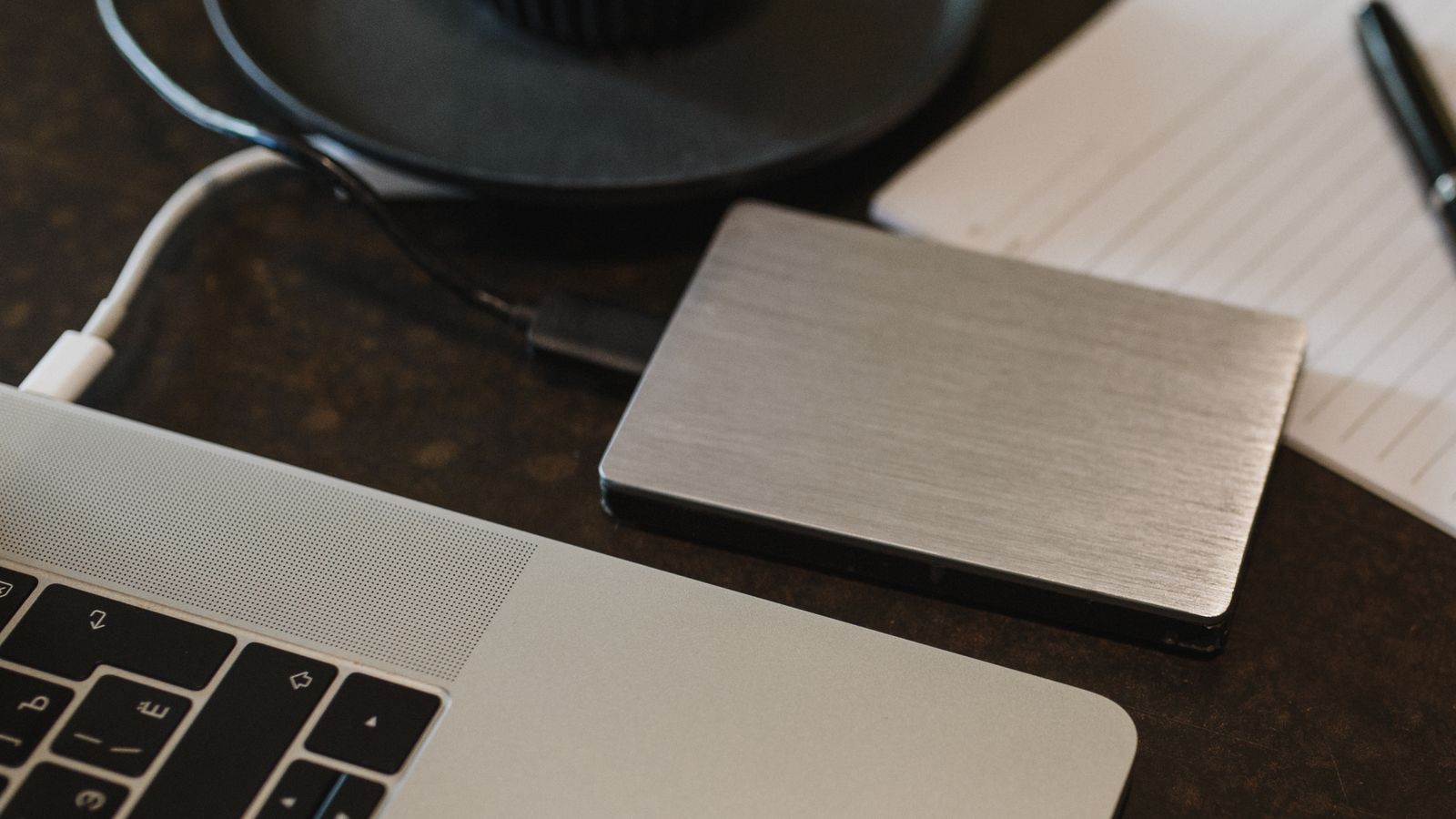
The question is usually framed as cloud versus local, as though you pick one. That framing is the problem, because the two are good at different things and the thing most people actually want — their files to still exist in five years — needs both.
Three jobs that get confused
Sync keeps the same files current across several devices. Change a document on your laptop, it changes on your phone. Dropbox, iCloud Drive, OneDrive and Google Drive all do this well.
Backup keeps a separate copy that can be restored if the original is lost, corrupted or encrypted by something malicious. Crucially, a backup keeps versions — yesterday's file as well as today's.
Archive is long-term storage for things you're finished with but don't want to delete. Old projects, camera originals, ripped discs. Rarely accessed, must survive.
Why sync is not backup
This is the mistake that costs people data, and it's worth being blunt about. Sync propagates changes — including bad ones. Delete a folder on your laptop and sync will helpfully delete it everywhere. Corrupt a file and the corrupted version replaces the good one across all your devices. Ransomware encrypts your documents and sync dutifully uploads the encrypted versions.
Most sync services keep deleted files and old versions for a window — commonly thirty days, sometimes more on paid tiers. That window is a safety net, not a backup strategy, and it only helps if you notice within it. People frequently don't, because the files they lose are the ones they weren't looking at.
Check yours now. Find your sync service's version history and deleted-files retention period in its settings. Knowing whether you have seven days or a year changes how much you should rely on it.
What each one is genuinely good at
| Cloud sync | External drive | |
|---|---|---|
| Access from anywhere | Yes | No |
| Survives house fire or theft | Yes | Only if stored elsewhere |
| Cost for large libraries | Recurring, adds up fast | One-off, cheap per TB |
| Speed for hundreds of GB | Limited by your upload speed | Fast |
| Works if you stop paying | No | Yes |
| Protects against accidental deletion | Within the retention window | Yes, if not also synced |
The cost line is the one that decides most media libraries. A few terabytes of video is trivial on a drive and expensive as a monthly cloud bill. Documents and photos are the reverse — small enough that cloud is cheap, and important enough that off-site matters.
A split that works
Documents and photos: cloud sync, plus a periodic local copy. Small, frequently accessed, needed across devices, catastrophic to lose. Sync handles the daily job; a monthly copy to a drive protects you from the sync service itself going wrong.
Media libraries: local drive, plus a second drive. Too large to make cloud sensible, and you don't need them on your phone. Two copies, ideally not in the same room.
Irreplaceable originals: all three. Wedding photos, family video, anything that exists nowhere else. Working copy, local backup, off-site copy. This is the small subset where paranoia is proportionate.
Practical notes on drives
Buy two smaller drives rather than one large one. A single drive with everything on it is a single point of failure, and drives do fail — often without warning.
Label them and rotate. If both live permanently plugged into the same machine, a power surge or a malicious program can take both. One should spend most of its life disconnected, or somewhere else entirely.
Check them occasionally. A backup you've never restored from is a hypothesis. Once a year, open a few files from the backup drive and confirm they actually work.
SSDs are faster and more robust against being dropped; spinning drives are cheaper per terabyte and generally the better choice for archive storage that sits still. For a backup drive that lives in a drawer, the price difference matters more than the speed.
The short version
Sync is for convenience. Backup is for recovery. They are not the same feature and no amount of cloud storage substitutes for a copy that can't be changed remotely. If you take one action after reading this, check your sync service's retention window — then put a second copy of anything irreplaceable on a drive you can unplug.